- Enseignant: Laia J. Canet
Brickfield Education Labs
Passer cours disponibles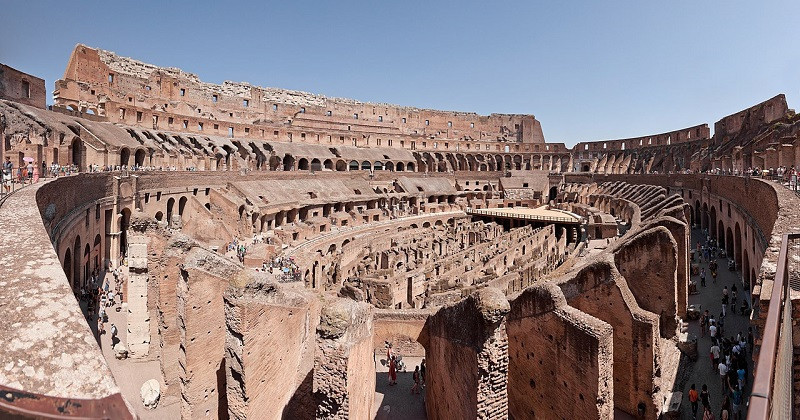

Cours disponibles
- Enseignant: James McQuillan
- Enseignant: Gavin Henrick
- Enseignant: Jerry O'Sullivan
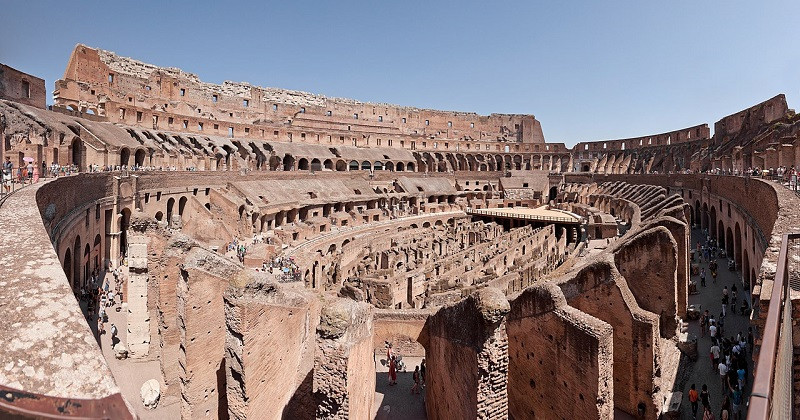
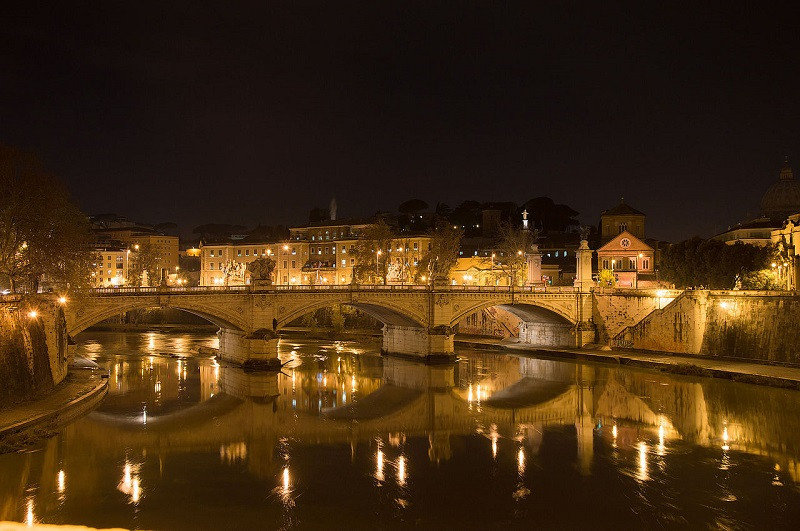
Rome is the capital of Italy and a special comune (named Comune di Roma Capitale). Rome also serves as the capital of the Lazioregion. With 2,876,051 residents in 1,285 km2 (496.1 sq mi), it is also the country's most populated comune. It is the fourth-most populous city in the European Union by population within city limits.]
- Enseignant: Laia J. Canet
- Enseignant: Teacher Laia
- Enseignant: Teacher2 User

- Enseignant: Laia J. Canet
- Enseignant: Gavin Henrick
- Enseignant: Karen Holland
- Enseignant: Teacher2 User
- Enseignant: Karen Holland
Introducing the concept of Digital Literacy. Optimised for mobile.
- Enseignant: Gavin Henrick
- Enseignant: Michael Pound
Rome is the capital of Italy and a special comune (named Comune di Roma Capitale). Rome also serves as the capital of the Lazioregion. With 2,876,051 residents in 1,285 km2 (496.1 sq mi), it is also the country's most populated comune. It is the fourth-most populous city in the European Union by population within city limits.
- Enseignant: Teacher Test
- Enseignant: Gavin Henrick
This course provides an overview on ePortfolios and specifically Mahara and is targetted at sales and support staff.
Upon completion of this this course you will:
- Understand what an ePortfolio is
- Understand the key components of Mahara
- Understand the terminology of Mahara
- Understand some of the use cases of Mahara
- Enseignant: Teacher Test
This code is large font.
- Enseignant: teacher teacher
- Enseignant: Teacher Test